What Changes When You Switch Multivitamins?
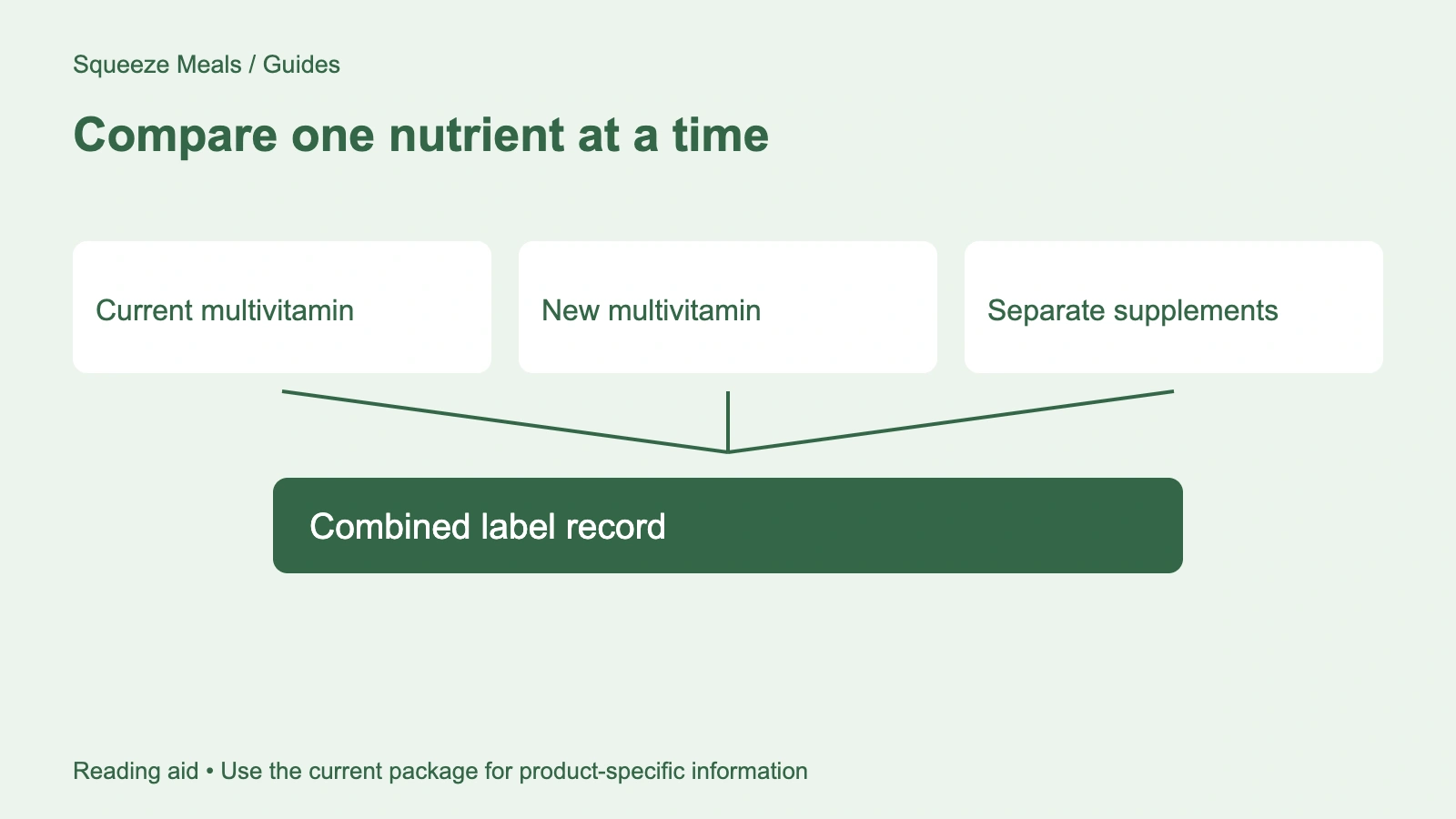
Switching multivitamins can change several nutrient amounts at once. Put the two panels side by side and check the full serving, then mark nutrients that are added, omitted, or supplied in a different amount. Include any separate vitamin or mineral products in the comparison.
Start with the full formula
Two products called multivitamins can contain different nutrients in different amounts. NIH's Office of Dietary Supplements explains that there is no standard multivitamin/mineral formula in its health professional fact sheet. A matching category name gives you a starting point for comparison, not a matching ingredient list.
Open both panels. Place the exact product names beside them, including any age or life-stage designation, and save the date you checked. You will need that record if a retailer later replaces its label image.
Read beyond the vitamin list. A formula can also contain minerals or other ingredients, so keep every declared component in view rather than stopping once you recognize a few familiar nutrients. Our Supplement Facts guide explains where those fields appear.
Keep the serving size beside every amount
The top of the panel tells you what the amounts below refer to. Copy it first. For a product whose serving size is several capsules, the nutrient figures describe that labeled serving rather than each capsule individually.
Here is an illustrative packaging calculation: a container holding 60 capsules with two capsules per labeled serving contains 30 servings. That arithmetic says nothing about which intake is appropriate for you. It simply keeps capsule count from being mistaken for serving count when you compare packages.
Check the directions as well as the panel, especially when you plan to compare powders or gummies with capsules. If the images are too small to read, ask for a current, legible label before choosing between the products.
Use % Daily Value as a reference
The FDA's Daily Value guide explains how %DV expresses a serving's contribution toward a nutrient's Daily Value. Record the amount and unit alongside the percentage so your worksheet preserves the actual label information.
For example, two labels can show different percentages for the same nutrient. That identifies a difference to examine; it does not tell you which product your diet needs. Do not rank a formula by adding the percentages for unrelated nutrients or by choosing whichever column has the largest numbers.
Keep units intact. If one panel uses a different unit or nutrient expression, mark the row for clarification rather than comparing the bare numbers. Your worksheet should make uncertainties visible.
A side-by-side multivitamin worksheet
Copy this table into your notes and fill the two product columns from readable labels. Add individual nutrient rows for the ingredients you want to compare.
| Field | Product A | Product B |
|---|---|---|
| Exact product name and label date | Record both | Record both |
| Intended age or life stage stated on package | Copy the wording | Copy the wording |
| Serving size and directions | Count or measure, plus directions | Count or measure, plus directions |
| Servings per container | Labeled number | Labeled number |
| Each nutrient being compared | Name, amount, unit, %DV | Name, amount, unit, %DV |
| Iron | Record amount if listed, or note not listed | Record amount if listed, or note not listed |
| Other declared ingredients | Copy the full list | Copy the full list |
| Repeated nutrients in your current products | List matching products and label amounts | List matching products and label amounts |
| Package price and offer conditions | Current price, shipping, subscription terms | Current price, shipping, subscription terms |
| Unresolved questions | Missing label fields or differences | Missing label fields or differences |
A blank cell needs an explanation. Write "not listed" when that is what the panel shows, and "unreadable" when you cannot make out the image. Those are different problems, so avoid recording both as zero.
For price, divide the current package price by its labeled servings per container. Compare that result only after checking what each serving contains. A lower cost per serving can accompany a different formula, and a subscription offer may carry conditions absent from a one-time purchase.
Check overlap before adding another bottle
Put the candidate label beside the labels of supplements you already use. Include single-nutrient products in that review. NIH ODS notes that combining a multivitamin with separate vitamin or mineral supplements can increase the likelihood of excessive nutrient intake in its professional review.
An overlap list is useful even before you calculate anything. If vitamin D appears in a candidate multivitamin and a product already in your routine, record both entries with their units and serving instructions. The duplicate name flags a question for review; it does not, on its own, prove that your total intake is too high.
Bring the complete list to your clinician or pharmacist, including fortified drinks or foods relevant to the discussion. Avoid changing a prescribed product simply to make the worksheet look simpler. The shortlist guide includes a current-product inventory you can use for this conversation.
Iron and life-stage wording need a closer look
Check the iron row directly. A men's, women's, or 50+ label helps identify the marketed audience, but you still need to read the formula to see what is included. Don't infer an iron amount from the front of the package.
NIH ODS discusses how nutrient needs and multivitamin choices differ with life stage in its consumer fact sheet. Use those distinctions to frame a question about your circumstances rather than treating the largest listed amount as the right choice. Pregnancy or plans for pregnancy warrant a specific discussion about prenatal needs instead of an automatic substitution with a general adult formula.
The worksheet cannot diagnose a deficiency. It also cannot establish that a particular product will improve energy, prevent illness, or make up for everything missing from a diet. ODS explains that multivitamins do not replace a varied diet, and its professional review cautions against generalizing study results across the many different formulas sold.
Compare the current catalog examples
Squeeze Meals lists Basic Nutrients 2/Day - 30 Servings and Basic Nutrients 2/Day - 60 Servings. These are useful names to practice checking against the current panels. Verify the serving count, then compare the complete formula before treating them as two package sizes of an identical product.
The names alone do not confirm that every ingredient amount matches. This guide assigns neither an iron content nor a current price to either listing, and the illustration uses generic packaging unrelated to these products. Ask for the label version tied to the item you would actually receive.
Questions to bring to a clinician or pharmacist
Take readable labels and your current medication list. The FDA's supplement guidance explains that supplements can interact with medicines, affect laboratory tests, or create risks around surgery. Mention a relevant health condition and any pregnancy or breastfeeding considerations before choosing a product.
- Which nutrient differences in these two formulas matter for my situation?
- Does either candidate repeat something in my current supplements or fortified products?
- Is iron appropriate for me, and what information is needed to decide?
- Do any ingredients require review with my medicines, planned tests, or surgery?
Leave with the unresolved product details written down. A retailer can supply a missing panel; a personal suitability question needs the appropriate health professional.
Open the multivitamin category and save two readable, current labels. Fill the worksheet, flag overlap with products already in your routine, and take the unresolved suitability questions to your clinician or pharmacist before buying.
Sources
Sources checked September 24, 2026:
- NIH Office of Dietary Supplements: Multivitamin/mineral Supplements, Consumer Fact Sheet. Life-stage context and the limits of substituting supplements for food.
- NIH Office of Dietary Supplements: Multivitamin/mineral Supplements, Health Professional Fact Sheet. Formula variation, nutrient overlap, and limits on generalizing study results.
- FDA: Daily Value on the Nutrition and Supplement Facts Labels. Daily Values, percentages, and units on labels.
- FDA: FDA 101, Dietary Supplements. Medication, laboratory-test, and surgery considerations.
This guide is educational and does not replace current product labels or advice from a qualified health-care professional.